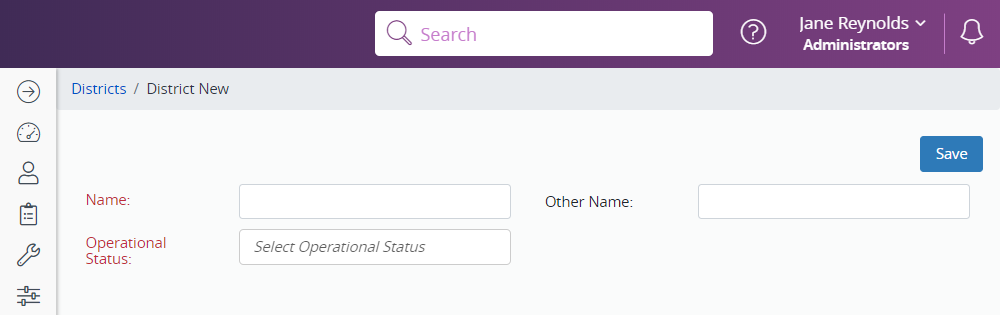
The first step in the configuration process is to add your District (or Health Department) to the program.
- Click Administration in the Navigation Menu, click Districts, Regions and Schools, then click Districts.
- To search for a district, enter the search criteria and click Search.
- To create a new district, click New.
- Enter the name of the district. Select Open as the Operational Status.
- Click Save.