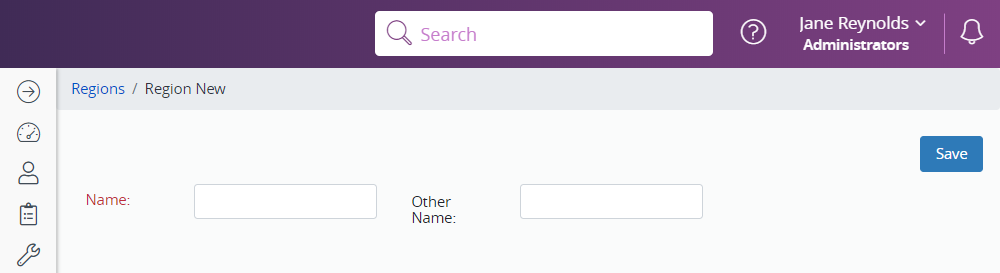
If you have a large district that is divided into regions, follow the steps below to identify each one.
Identify a region
- Click Administration in the Navigation Menu, click Districts, Regions and Schools, then click Regions.
- To search for a region, enter the search criteria and click Search.
- To create a new region, click New.
- Enter the name of the region.
- Click Save.