- To edit or delete an existing Care Plan or Letter Template, navigate to the Care Plan and Letter Template screen.
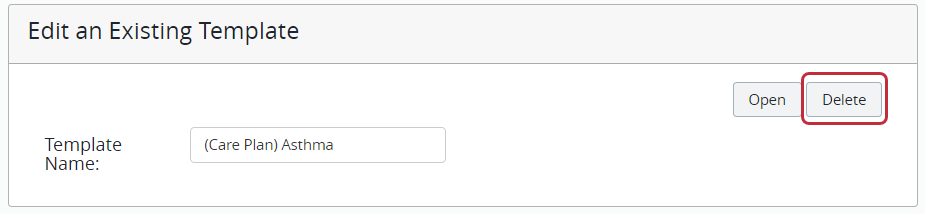
- Use the “Edit an Existing Template” section and select the template from the Template Name dropdown.
- To open the template to edit it, click Open.
- Make any needed adjustments to the template.
- Click Save Template in the upper right.
- To delete the template, click Delete.