Follow these steps to add COVID-19 dashboards to a selected role:
- For a selected role, select Dashboards from the menu to view the Dashboard page.
Note: For information about locating roles, see “Access a Role for Editing”.
- In the Role Permission Denied list, select the relevant COVID-19 dashboards for the role and click To Top to move them to the Role Permissions Granted list.
Note:
Be sure to select “Dashboard 1”to show multiple dashboards.
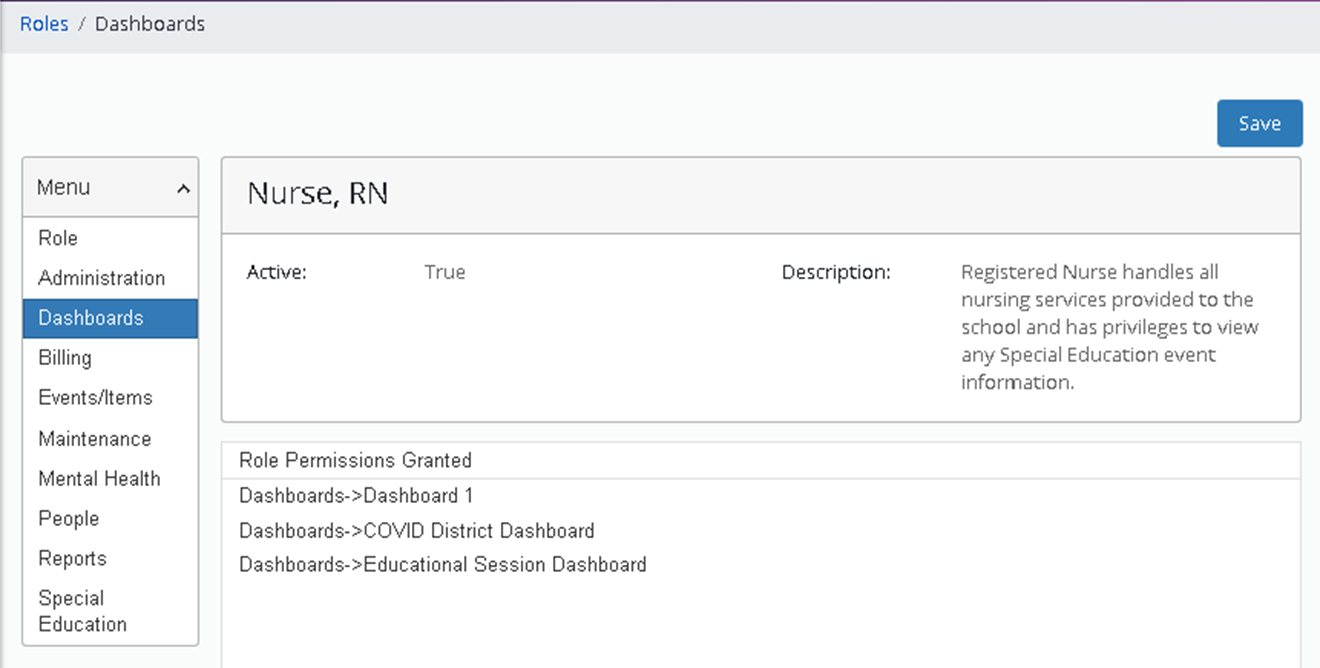
Dashboards page (partially shown) with sample selections
- Click Save.
Note: See the articles “Health Portal-Role Configuration” and “Absences-Role Configuration” for additional dashboard information.